After the Harmony Modeler side project (which was a complete failure), I had the idea of making a digital audio workstation myself to simplify the user interface and maximize usability and responsiveness. I name this project LUNEI, which stands for Lazy User Needs Efficient Interface. Now, this pursuit has become a state where I can show off to people. Update: LUNEI has been renamed to Luantic!
Today, almost all applications have fancy animations and transitions. However, in this project, the central design language is to update the UI when it absolutely needs to. Thus, almost all gestures (except form scrolling) are updated after the gesture has finished. This gives the system a snappy feel. An indicator is shown to convey the extent of the gesture.
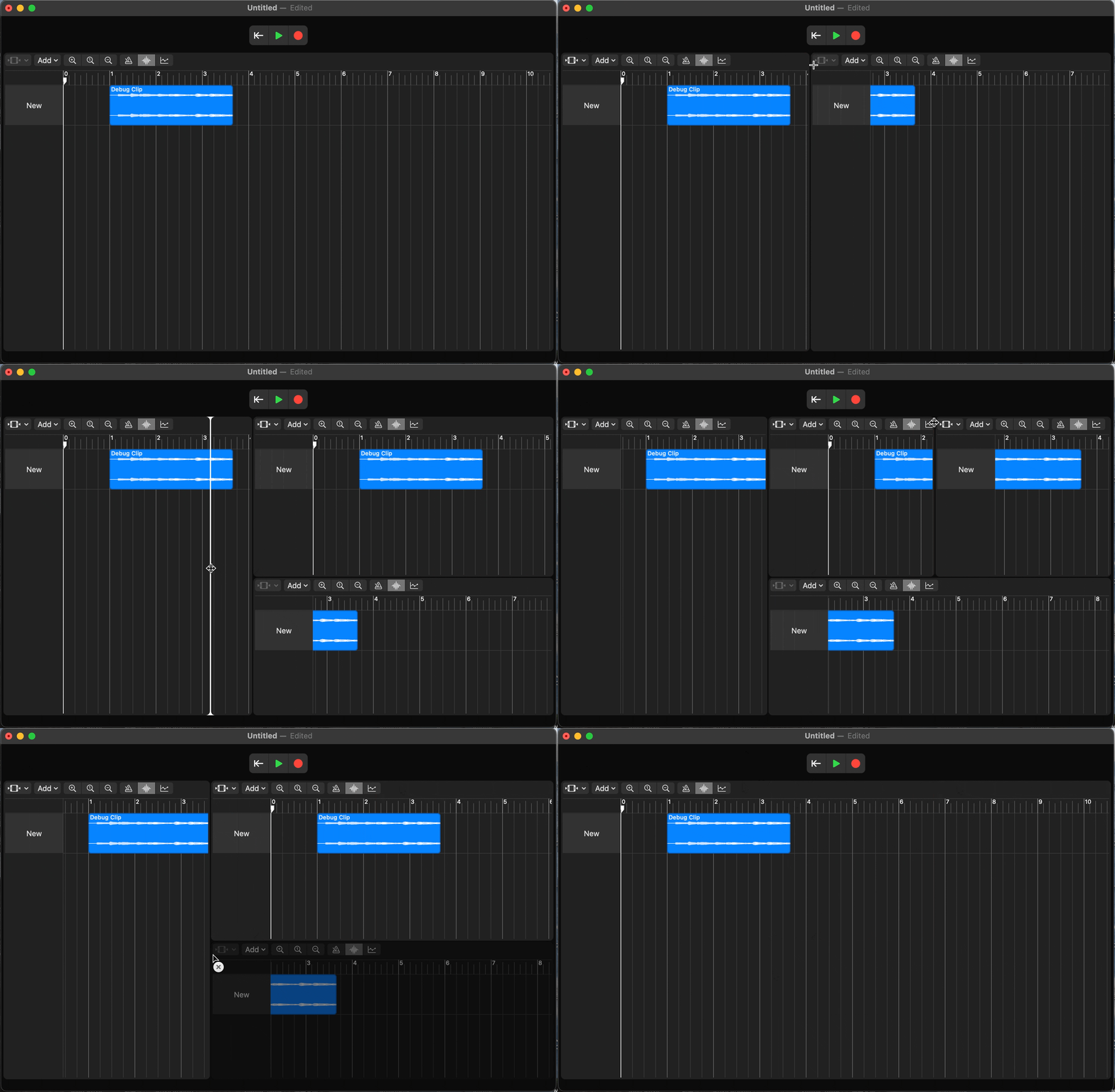
The freedom window system is a prime example of this idea. A user can slit or expand at will, giving the user complete customizability. A window can be toggled to many types, eg, Track View, Inventory View, Overview, etc. I copied this from Blender, an open-source 3D software. Although the idea isn’t original, I’ve added my own spin on it with my own system. Instead of re-layouting the UI every frame when dragging, the UI only updates once after the gesture has finished. This reduces significant overhead when a user is dragging. The track editor itself also demonstrates this idea.
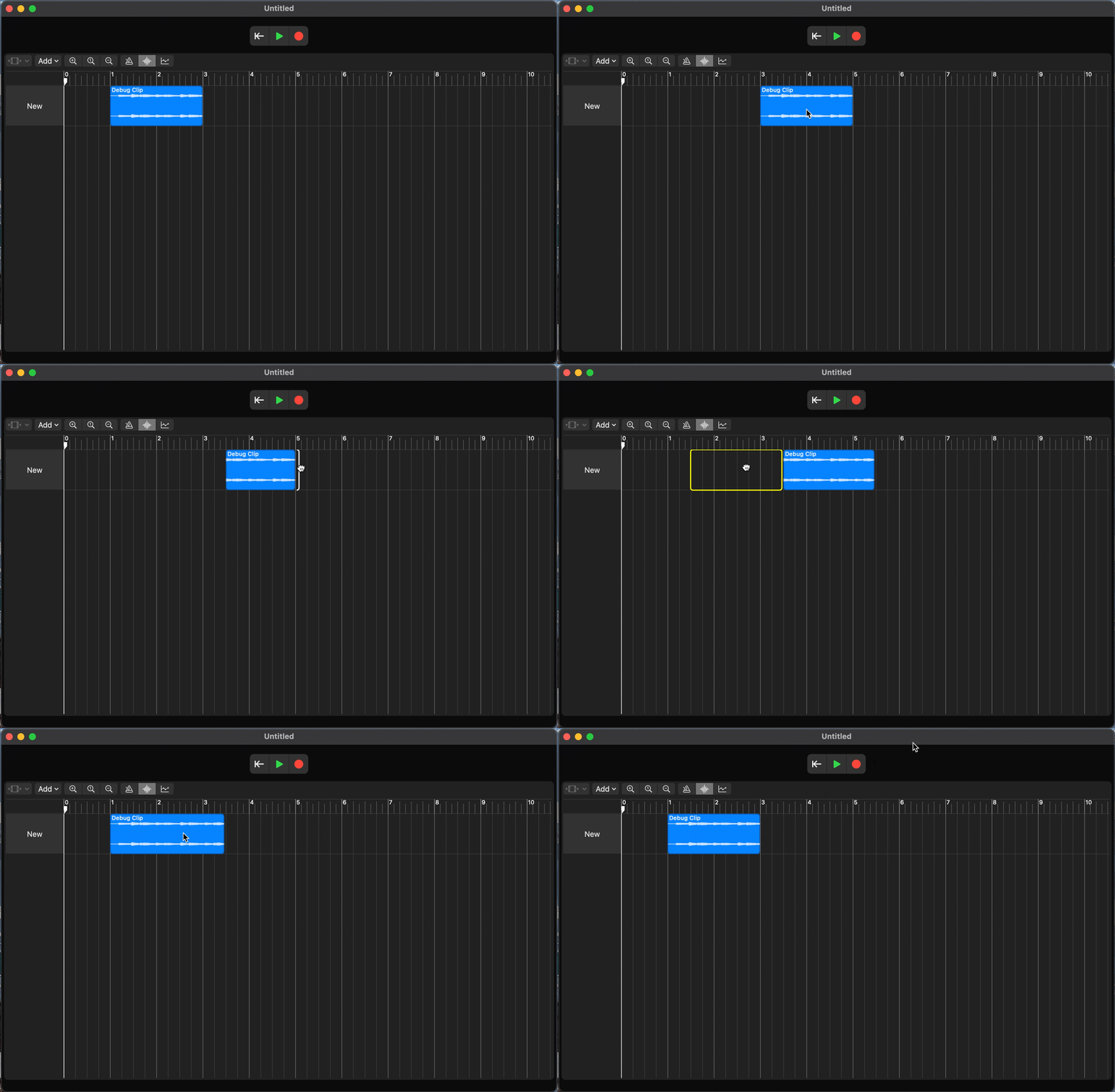
To lay the foundation for future development, I have employed a hybrid UI system that combines responsive and reactive design. The system is based on the Cocoa interface life cycle, but SwiftUI governs the layout of the UI hierarchy to accelerate the layout process. The Cocoa views are used under the SwiftUI hierarchy to draw shapes efficiently. For example, the window layout is a SwiftUI view, but the mouse handling, cursor rect, and drag bar are NSViews. This combination makes designing faster and more efficient.
The system also uses multiple layers of models to process different logic. This breaks a complex system apart into modular pieces. For example, the track model contains many track models, and each of them contains many clip models. When there is a change to a track that clips need to be aware of, the tracks propagate the update down the tree through method calls. When there is a change to a clip that the track needs to be aware of, the clip fires its various Updaters to propagate the update up the tree. This makes a model capable of publishing multiple updates to different parts of the application. For example, the views only observe their respective view models, but each view model subscribes to the model they are concerned with, like audio clip models. Thus, the calculations required for a clip to display only get done when the clip itself changes.
As for audio implementation, I’ve taken the very unfavorable choice of staying in the DSP paradigm of AudioUnit by fully implementing the AudioKit framework. This means that cross-platform is guaranteed impossible. But it makes development much easier, as I do not have to worry about the C/C++ stuff. Enough of the technical stuff; let’s talk about some features.
Although some features are not visible through the UI yet. They are implemented in the back end. One of such features is vari-time, which is built deep into the timing system. It does not have a UI yet, but it is solid. The UI requires the implementation of an automation track editor, which isn’t built yet.
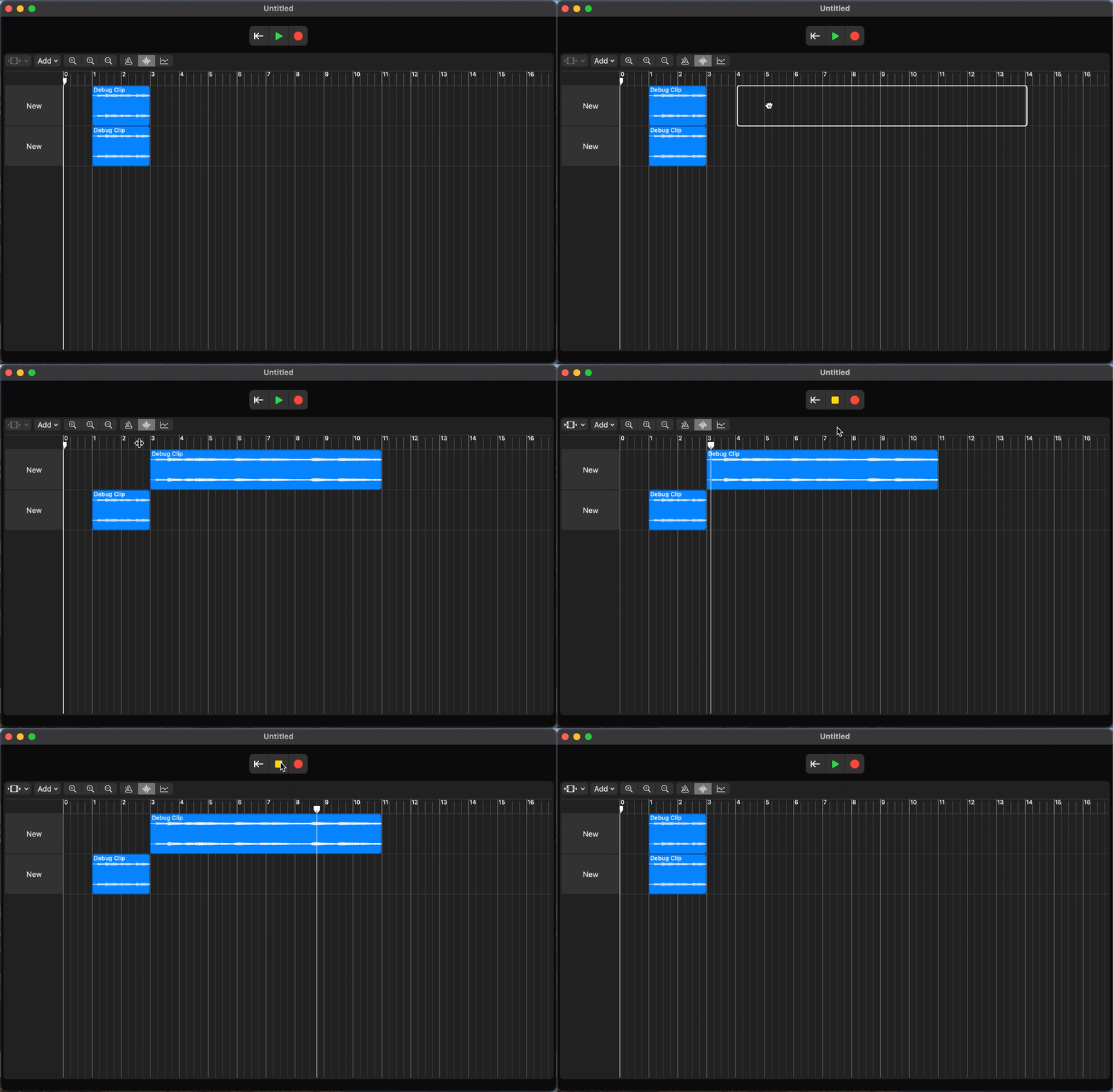
If you are wondering what is going on, from bar 3 to bar 4, the tempo changes from 120BPM to 600BPM linearly. The grid is based on beats, but the audio track has a length based on seconds. This is why the same length of audio track is displayed longer, as a clip occupies more beats when the tempo is higher.
The other feature is a node-based signal chain. This system is still under development. The node graph is done, but has not been inserted into the signal chain yet. This graph system will have audio, MIDI, and automation connections, which will be the centerpiece of this DAW. Such a system requires a solid foundation of a track system, which is still under development. The MIDI system will be custom-implemented. Instead of tracking key-on or key-off events, the system will treat the entire keyboard at once as an array, making things like MIDI Polyphonic Expression (MPE) natively available.